CONTACTE CON NOSOTROS VÍA CHAT.
Contacte con nosotros para cualquier Consulta o Demo que desee realizar acerca de nuestras aplicaciones de software. Nuestros técnicos le atenderán a través de este servicio.

Recuerde que este servicio es operativo sólo durante la Jornada laboral.
A) Soporte Técnico UrbiCAD: Asistencia Técnica Remota.
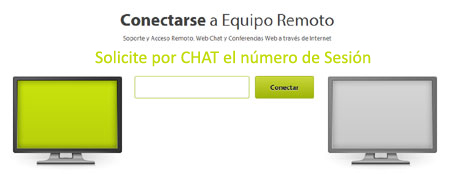
Si al contactar por chat con UrbiCAD nuestros técnicos se lo indican, podrá mostrarnos desde su equipo el problema en tiempo real. Para acceder por control remoto se le dará un código de sesión, y con el mismo deberá conectarse para la Asistencia Técnica desde este enlace: [conectar]
B) Demos UrbiCAD: Demos remotas en tiempo real.
Cuando contacte por chat con UrbiCAD, nuestros técnicos le podrán hacer una Demo en tiempo real, con sonido e imagen. Para ello le darán un código de sesión, y con el mismo deberá conectarse para la Demo desde este enlace: [conectar]
|